Maya VPN for Android: fast, no-account protection for streaming
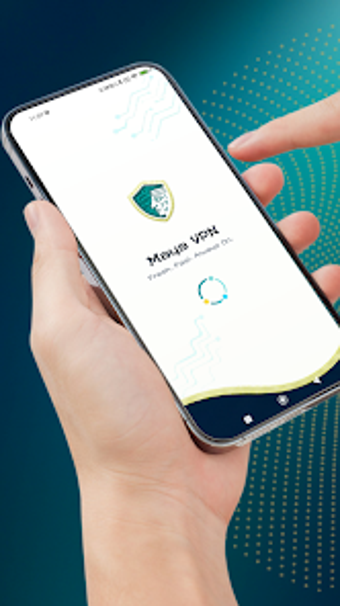
Maya VPN, developed by SCADA - UK, is an Android utility that provides fast, private internet access. It creates an encrypted tunnel using the Android VPN_SERVICE permission, masks the device IP, and connects via a one-tap workflow to high-speed servers tuned for media. The app requires no registration, enforces a strict no-logs policy, and shows a visually modern interface while remaining ad-supported. It suits Android users who want quick protection for public Wi‑Fi, bypassing regional blocks, and better streaming performance.
What the app does on your device
Maya operates as an on-device VPN client that reroutes app and browser traffic through remote endpoints to conceal the origin address and encrypt packets in transit. The implementation uses the platform VPN API to establish an encrypted tunnel for all network sockets, which means apps do not need individual proxy settings. Typical use cases include accessing region-restricted content, protecting sessions on open Wi‑Fi, and reducing apparent location information for apps and services.
How it interacts with device resources during use
SCADA positions the service toward low-latency media, so the network configuration prioritizes throughput and reduced ping for gaming and video. The zero-configuration design removes background account synchronization, which reduces persistent services running on the device. Because the app routes traffic system-wide through the VPN layer, network performance depends mostly on the selected endpoint and mobile connection quality rather than significant local CPU overhead.
Is the connection and privacy model trustworthy?
The app uses standard VPN encryption to protect data in transit and advertises a strict no-logs policy, which supports anonymity for session traffic. It requires the Android VPN permission to create the tunnel that secures packets. The developer has released other similar VPN tools, indicating experience with this category. Note that the distribution and interface are ad-supported, so advertisements appear inside the app interface during use.
Who can operate the app without help?
Maya's zero-configuration, one-tap approach lets non-technical users enable a protected connection without account setup or manual routing rules. Casual users focused on streaming or gaming gain immediate benefit without learning VPN routing concepts. Advanced users seeking granular server selection, split tunneling, or custom protocol choices may find the simplified workflow limiting and should evaluate whether that trade-off fits their needs.
Practical recommendation and final judgement
Maya is a pragmatic choice for Android users who need quick, low-friction privacy and improved media connectivity on the move; the trade-off is an ad-supported interface and a simplified control set that limits advanced configuration. For people who prioritize immediate protection and lower-latency streams, it performs as expected. Tip: test your preferred endpoint before a long session to confirm latency and throughput. Recommended.